
With support from the HPDC team, you can share a copy of any of your HPDs with another organization that already has an account in the HPD Builder. The purpose of this process is to provide your content inventory data so the receiving organization can use it to complete their own HPDs (for manufacturers) or to private‑label a product they distribute.
The process involves creating a copy of an existing HPD and then having the HPDC team transfer that copy into the other organization’s account. Please find step-by-step guidelines below:
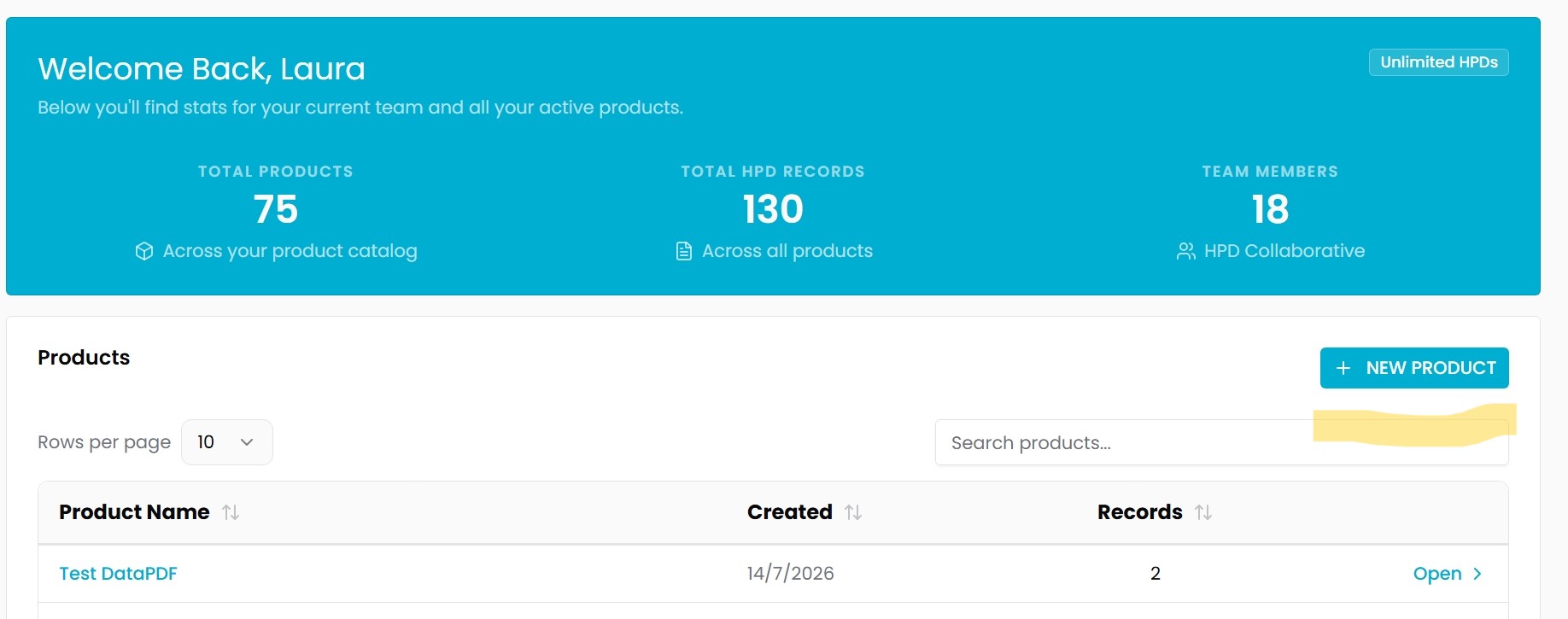
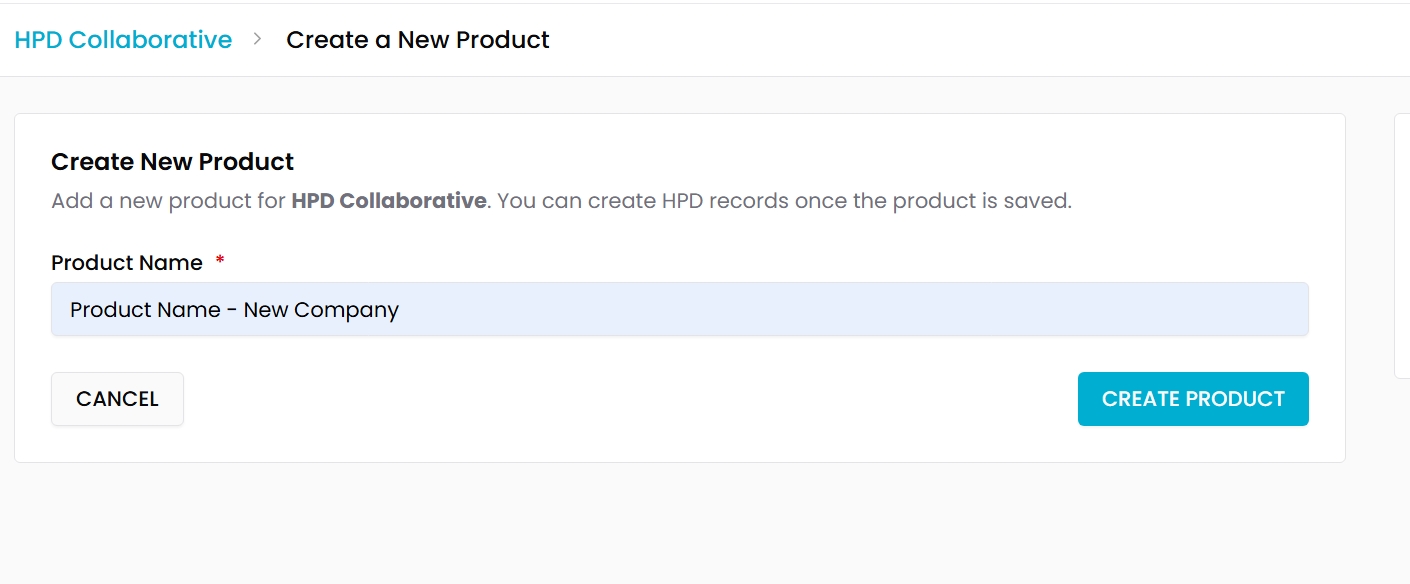
1. Create a new product and name it using the following naming convention:
"Product Name – Other Company Copy"
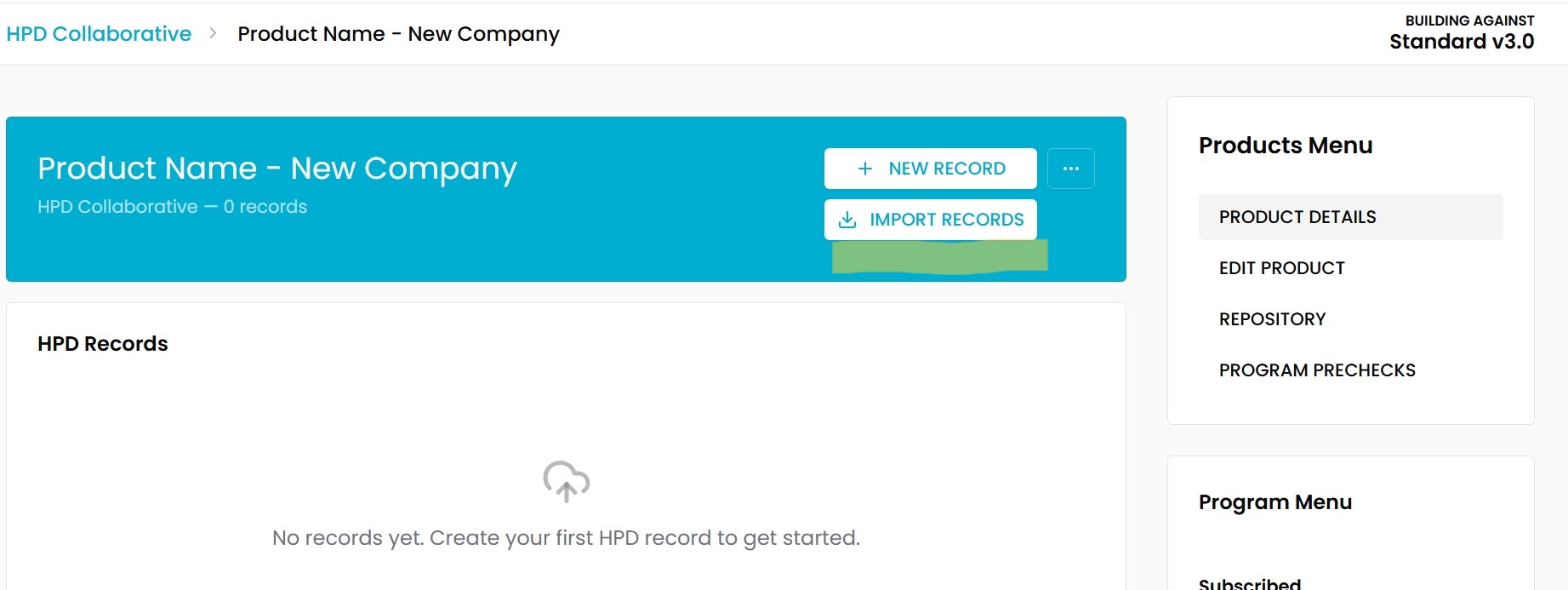
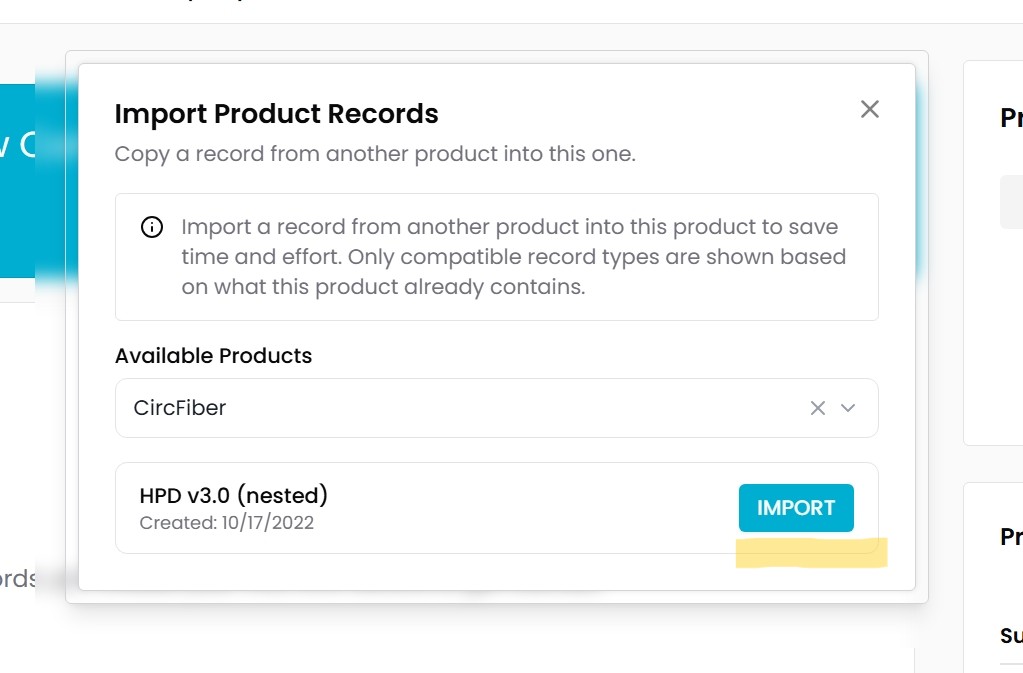
2. Import the corresponding HPD record(s) under the new product.
3. Review the copied HPD and delete any data that should not be shared, or you do not consider would be useful for the other organization.
4. Verify that all proprietary substances, polymers, and material information are properly protected. The receiving organization will see the information exactly as it appears in the HPD record within the Builder. If you need guidance on how to protect proprietary substance data, please refer to our Helpdesk article from the Health Product Declaration Collaborative: Helpdesk : Health Product Declaration Collaborative
5. Perform a final review to ensure that the information visible to the receiving company is exactly what you intend to share.
6. Once you have completed the review, email support at support@hpd-c.org to request the transfer of the product record. In your message, please include the name of the receiving company in your email and copy your contact at that organization. Once we receive your request, we will proceed with transferring the copied record to the receiving company's account.
If you have any questions during the process, please send us an email for assistance: support@hpd-collaborative.org